Two days ago I wrote that Triquid Notes was on the App Store. Since then it has grown a proper Mac app, one inbox for everything you capture, saved searches, and a lot more speed in large notebooks. There is also something new: Triquid Notes Pro, a one-time purchase for the extras. Everything you need for your notes stays free.
A real Mac app
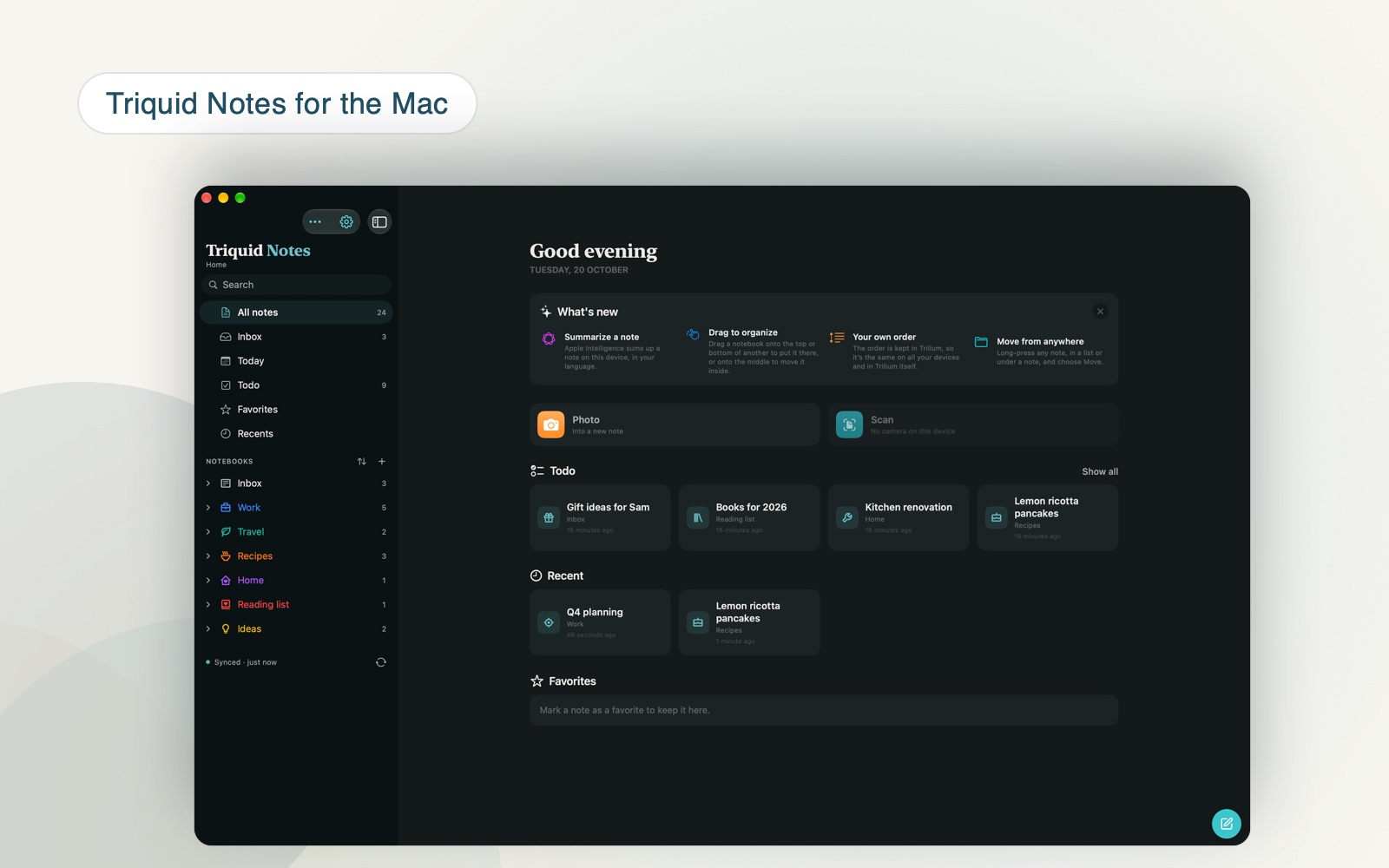
Until now the Mac got the iPad app, which runs on Macs with Apple silicon and nothing more. Version 1.3 is a Mac app of its own. It has a menu bar and keyboard shortcuts, you can open several windows side by side, and it runs on Intel Macs too. It keeps the look of the iPad version, so it feels the same on every device.
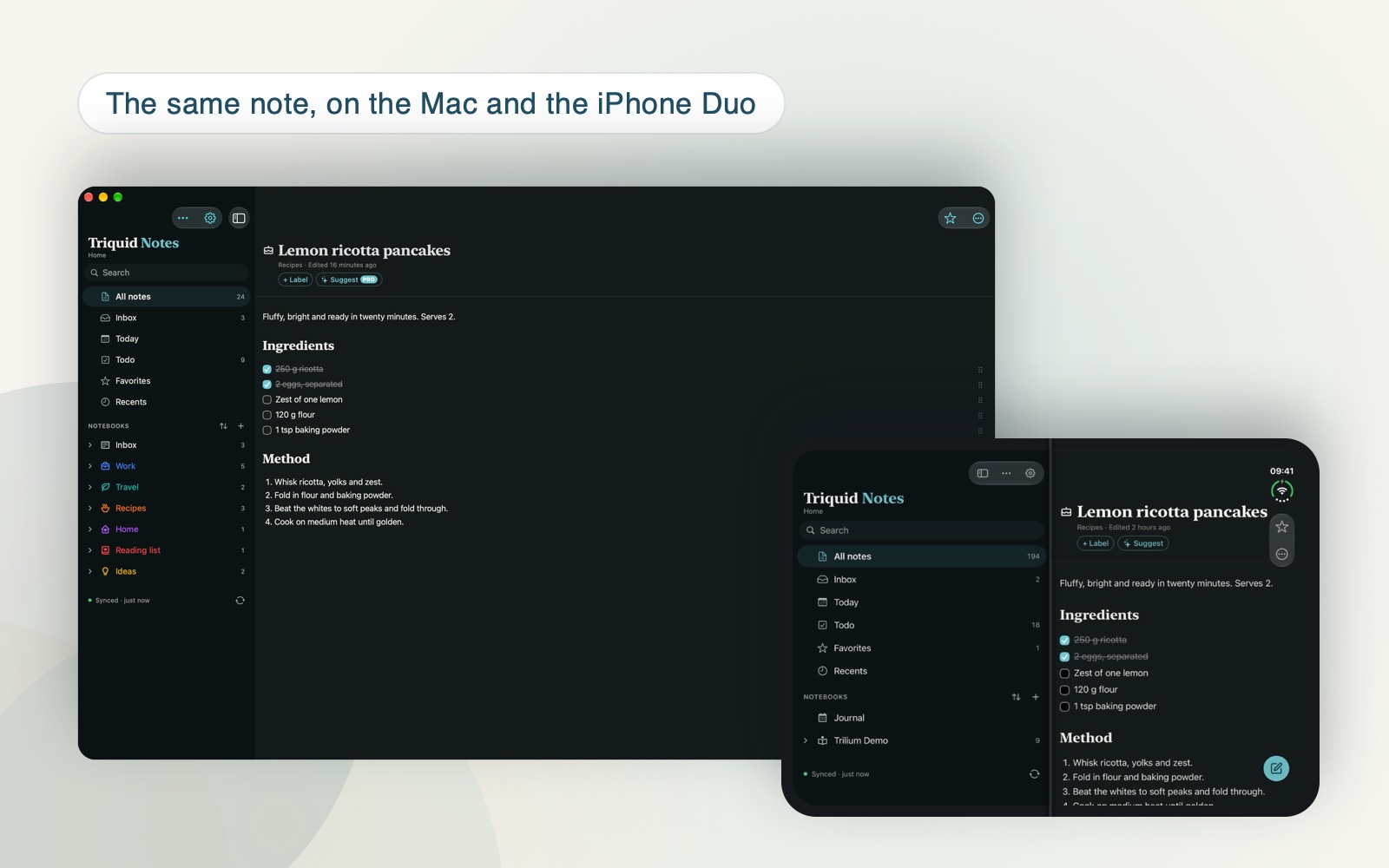
It is the same app in the App Store, so if you already have Triquid Notes on your iPhone or iPad, the Mac version is yours as well. Your settings and your list of servers come along through iCloud.
One inbox for everything you capture
Quick notes, links you clip and things you share from other apps used to land wherever you happened to be. Now they all go to one inbox, which the app sets up for you on the first launch. It works offline too, and in a notebook on the device without a server. Empty it when you have a moment, the way you would a mail inbox.
Fast with ten thousand notes
In a large Trilium the note lists used to slow down. They no longer do: lists and the counts in the sidebar now stay quick with more than 10,000 notes. Smart lists like Todo, which gathers every note with an open checkbox, open straight away.

Searches you keep
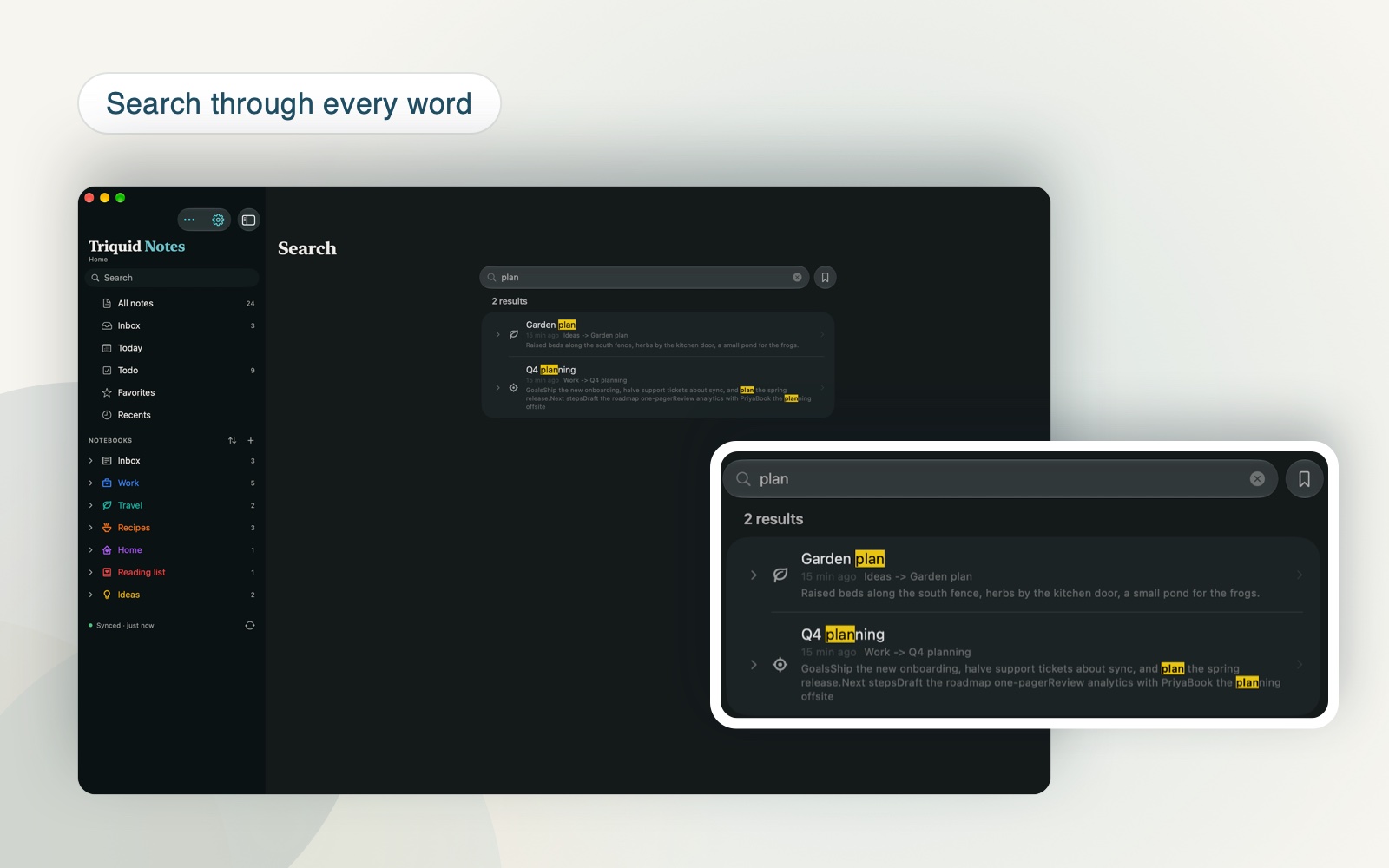
Search covers the full text of every note, and the matches are now easy to read in dark mode as well. With Pro, a search you use often can be saved; it then sits in the sidebar, one click away.
Triquid Notes Pro
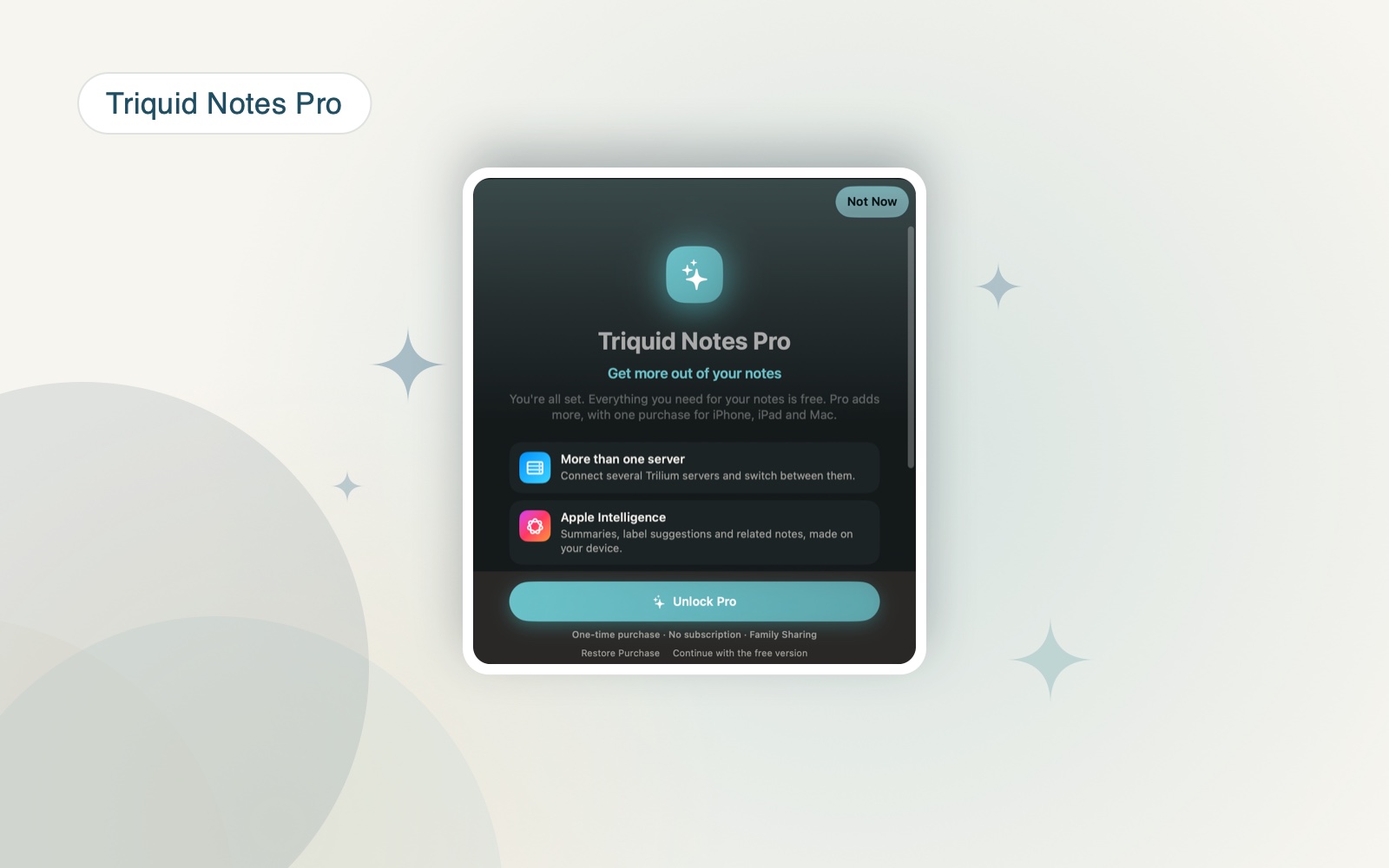
Triquid Notes is still free to download, and reading, writing and syncing your notes stay free. Pro adds the extras on top:
- More than one Trilium server, and switching between them.
- Apple Intelligence: summaries, label suggestions and related notes, made on your device.
- Accent colours and fonts.
- Saved searches in the sidebar.
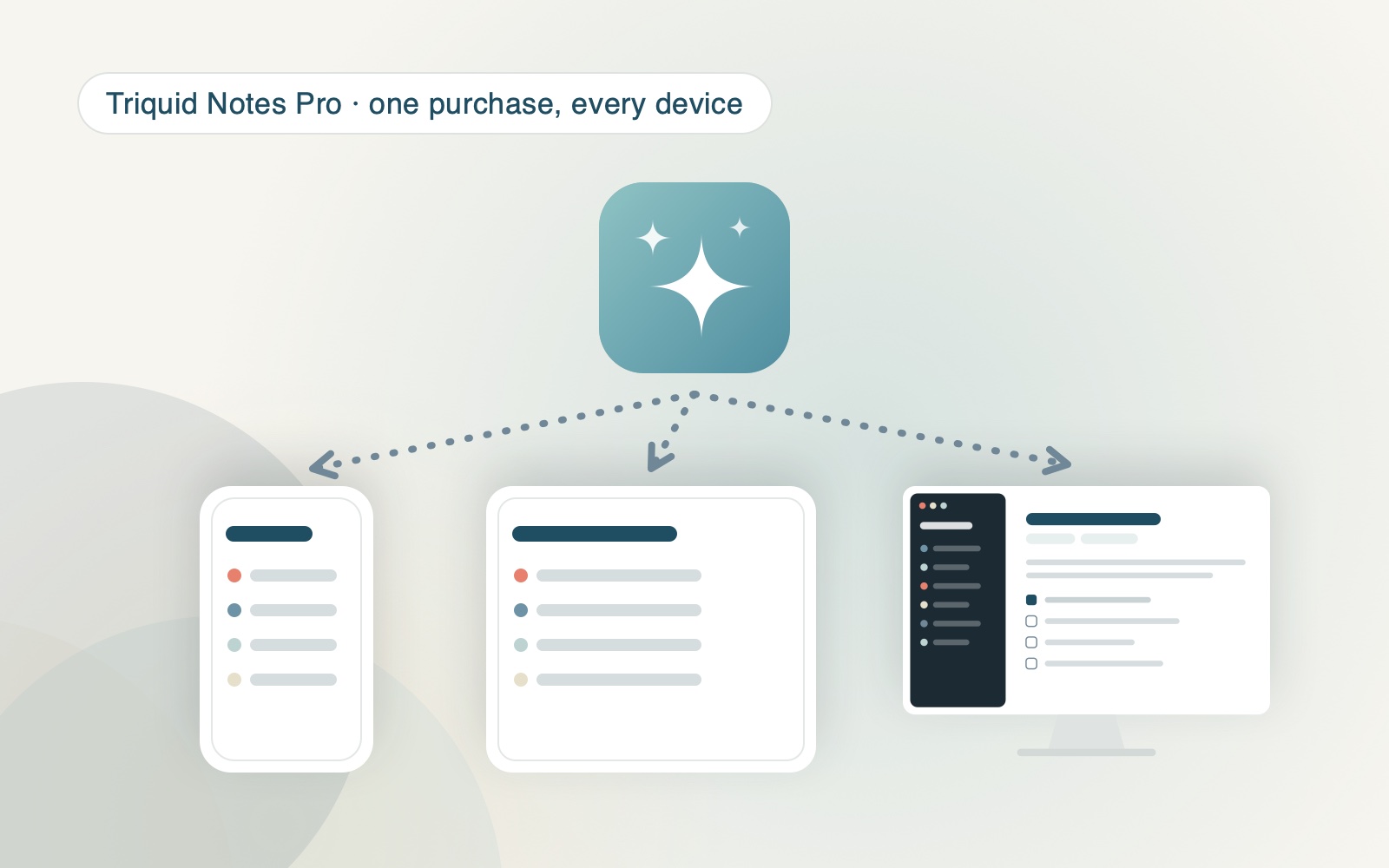
It is a one-time purchase, not a subscription, and you buy it once for iPhone, iPad and Mac together. It works with Family Sharing. If you downloaded Triquid Notes before this version, you don’t have to buy anything: Pro is yours, as a thank-you for being early.
Light or dark
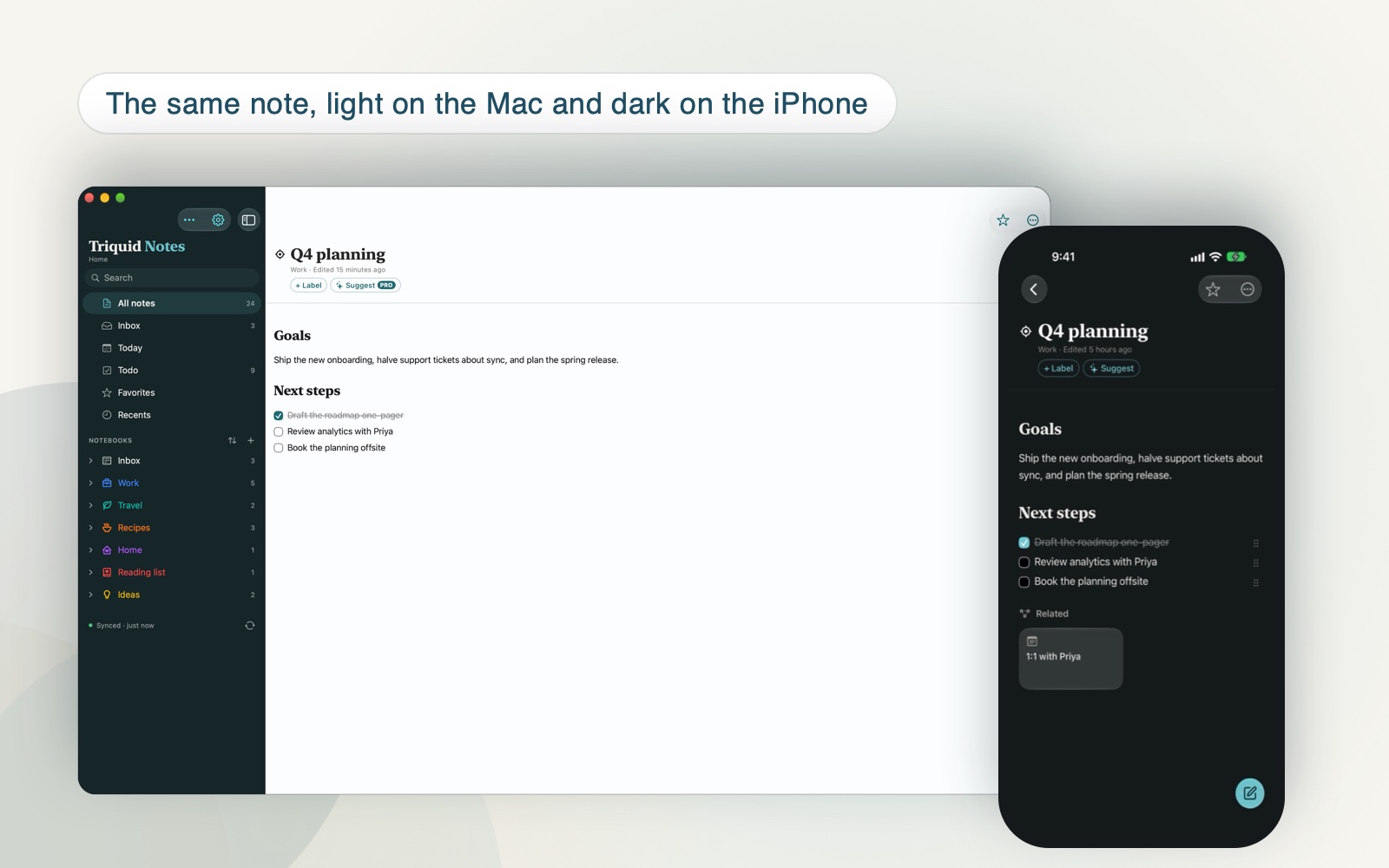
Everything follows your system’s light or dark mode, or the one you pick in Settings. The sidebar stays dark in both, which I find calmer to look at all day. Set to follow the device, each one goes with its own system, so the same note can be light on the Mac and dark on the iPhone.
When you can get it
Version 1.3 for iPhone and iPad and the first Mac version are with Apple’s reviewers right now. As soon as they are approved, they will be in the App Store, usually within a few days. The Mac app needs macOS 26; Apple Intelligence needs a Mac with Apple silicon.
Triquid Notes on the App Store, more on its page, and questions, ideas or bugs to info@justinmeijer.nl. I read everything.