Open source
Made for ourselves, shared with everyone.
These projects started as a fix for a problem of our own. The source is on GitHub, free to use, read and improve. Everything runs on your own devices.
All of it is under the Mozilla Public License 2.0: you may use, change and share it, in your own projects too. If you pass on a changed file, that file stays open under the same licence.
ZoomCheck
macOS · Swift · MPL 2.0
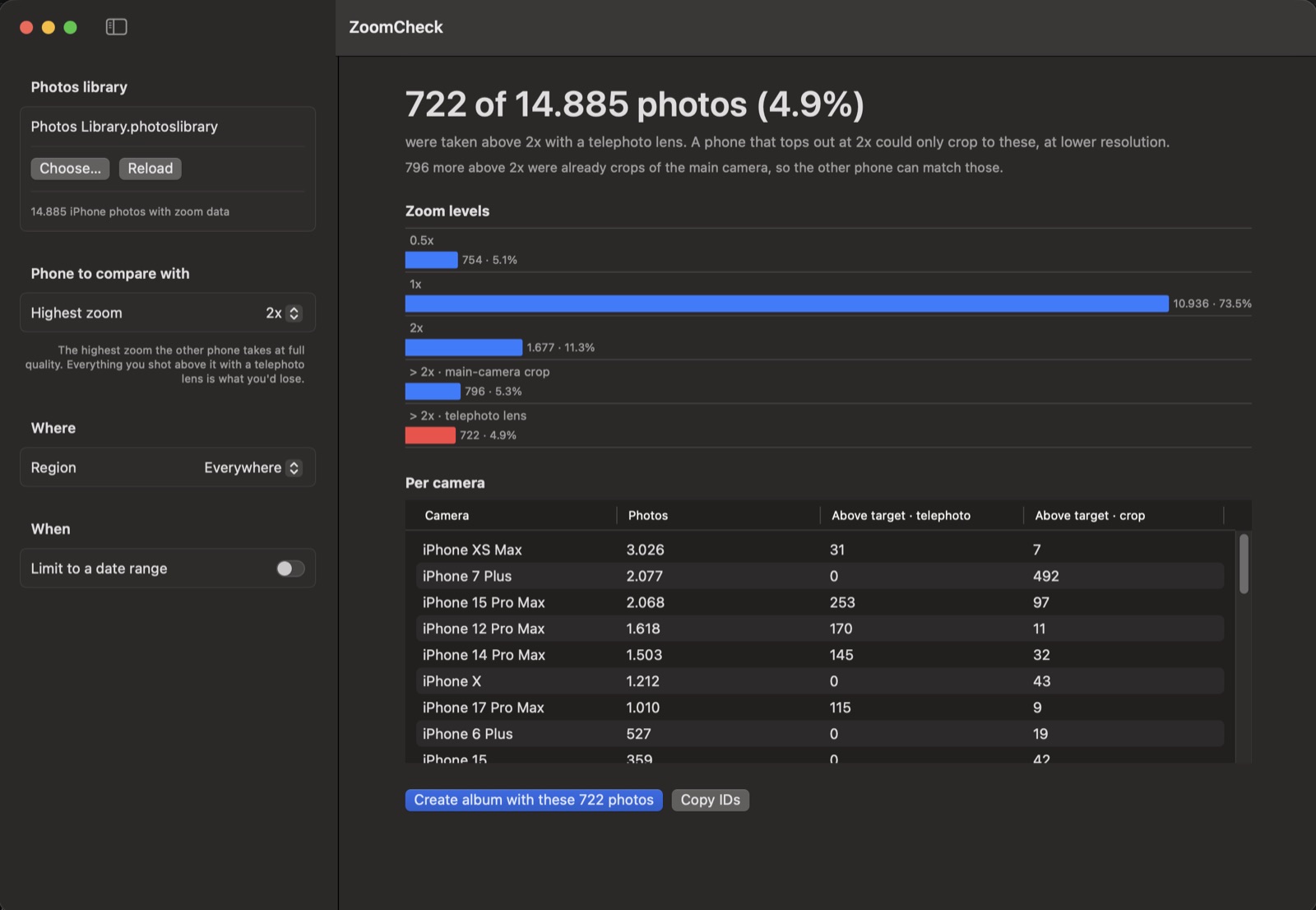
How often do you really use your iPhone’s telephoto lens? ZoomCheck reads your Photos library on the Mac and shows how many of your photos were taken above a given zoom level — so you can judge whether a phone with less zoom would cost you shots you care about.
- Photos split by zoom level, per iPhone model, for a date range or a single trip
- Tells real telephoto shots apart from crops of the main camera
- One click puts the photos you’d lose in an album
- Thinking about the foldable iPhone Duo, which tops out at 2x? Set the highest zoom to 2x and see
Presort
macOS · Swift · local language model · MPL 2.0
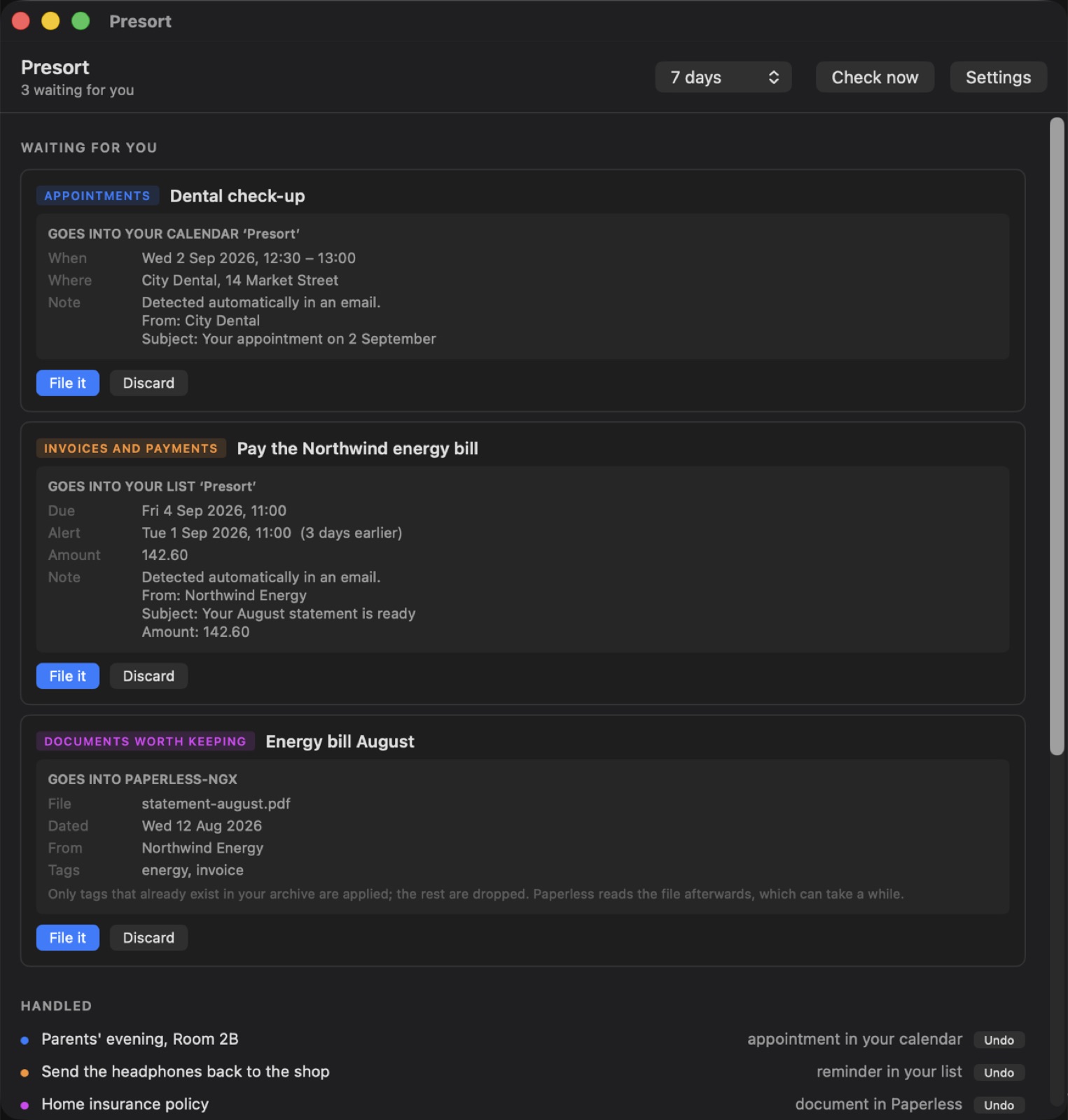
A small Mac app that reads your inbox with a language model you run, and turns what it finds into calendar entries, reminders and filed documents. The confirmation with a date in the third paragraph, the invoice due on the fourth, the parcel that has to go back before the eleventh.
- Mail goes from Apple Mail to a model at an address you choose — nothing is sent to anyone else
- The model gets no tools: it can only answer with JSON, so a hidden instruction in an email can never become an action
- The app checks every answer, and writes into a calendar and reminder list of its own
- Optional connections to Paperless-ngx and Parcel
KOReader → Obsidian
Obsidian plugin · KOReader · no cloud · MPL 2.0
Sync the highlights and notes from your e-reader straight into your Obsidian vault over Wi-Fi. The plugin runs a small KOSync-compatible server inside Obsidian; KOReader connects to it and every book gets its own Markdown file.
- Reading progress, highlights and annotations, per book
- Works on your own network — no account and no cloud service
- A Markdown file per book, in the folder you choose
KOReader (phone / e-reader)
│ Wi-Fi
▼
Obsidian plugin (your computer)
│
▼
Markdown file per book → your vault